How to Reset a Well Pump: Complete Guide for Homeowners
Waking up to no water is never pleasant, but before you call for emergency service, there's a good chance your well pump simply needs to be reset. Well pumps have built-in safety mechanisms that automatically shut down the system when problems are detected, protecting the pump from damage. Understanding how to safely reset your well pump can save you time, money, and the stress of going without water. This comprehensive guide covers everything you need to know about resetting various types of well pumps and when it's time to call in a professional.
📋 In This Guide
- Why Well Pumps Need to Be Reset
- Before You Reset: Safety First
- Resetting the Pressure Switch
- Resetting a Submersible Pump Control Box
- Resetting the Circuit Breaker
- Dealing with Thermal Overload Protection
- When the Reset Doesn't Work
- Preventive Measures
- Understanding Your Pump's Signals
- When to Call a Professional
- Keeping Records
- Conclusion
- Related Articles
Why Well Pumps Need to Be Reset
Well pumps don't randomly stop working—when they shut down unexpectedly, there's always a reason. The most common causes requiring a reset include:
Power Surges and Outages
Electrical disturbances can trip the pump's internal protection mechanisms. After power is restored, the pump may not automatically restart and requires a manual reset.
Overheating
Pumps have thermal protection that shuts them down when they overheat. This can happen due to continuous running, low water conditions, or high ambient temperatures. The thermal protector won't allow restart until the pump cools down.
Low Water Conditions
Some systems have low-water cutoff protection that stops the pump when water levels drop too low, preventing dry running damage.
Electrical Faults
Short circuits, ground faults, or other electrical problems can trip breakers or internal protection devices.
Mechanical Binding
If the pump encounters resistance from debris or mechanical issues, overcurrent protection may activate.
Before You Reset: Safety First
Before attempting any reset procedure, observe these safety precautions:
- Never stand in water while working with electrical equipment
- Make sure your hands are dry before touching electrical components
- Know where your main electrical panel is located
- Have a flashlight ready in case of power issues
- If you smell burning or see scorch marks, do not reset—call a professional
- If the pump has tripped multiple times in a short period, investigate the cause before resetting again
Resetting the Pressure Switch
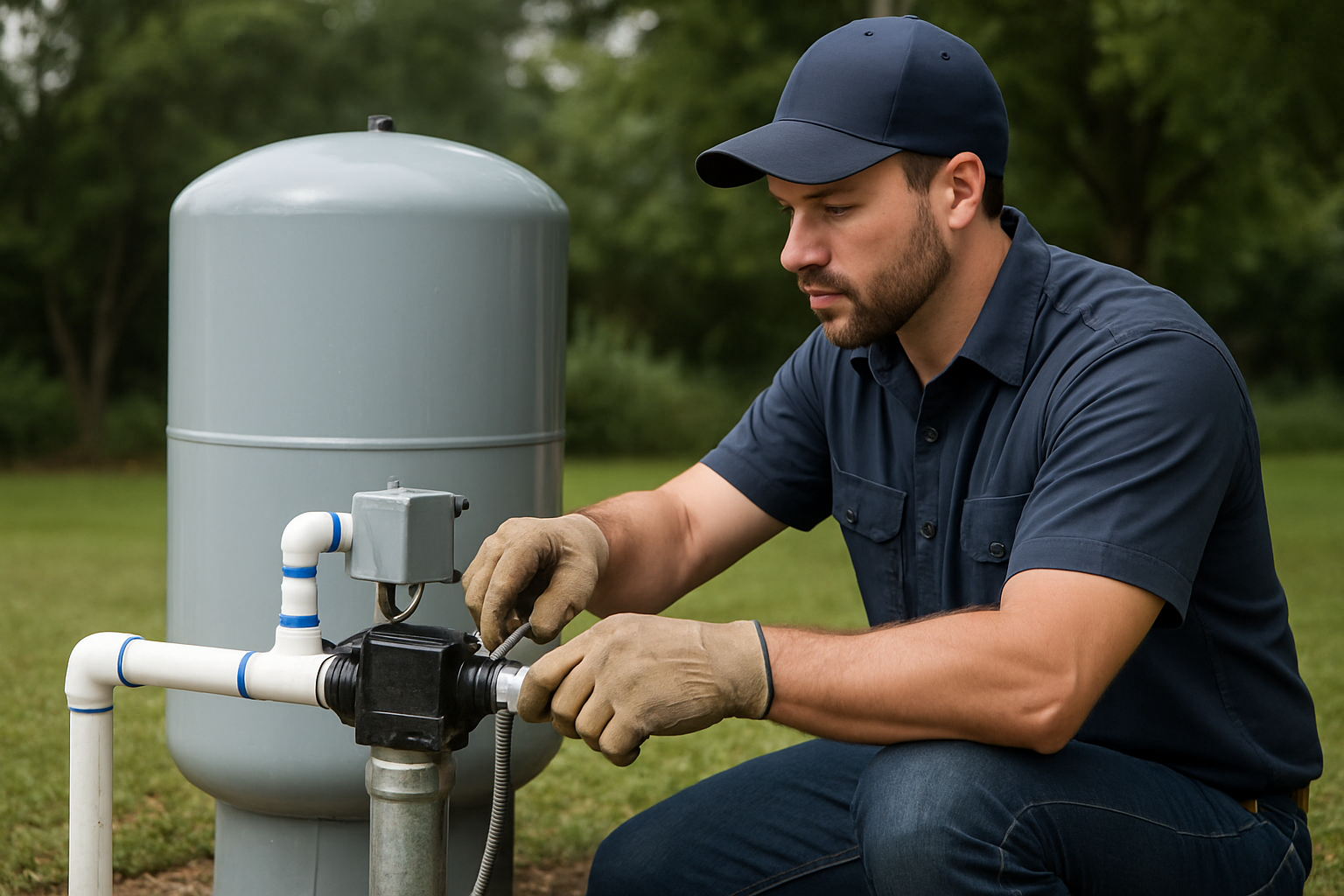
The pressure switch is the most common component that needs resetting. Located near the pressure tank, it controls when the pump turns on and off based on water pressure. Here's how to reset it:
Step 1: Locate the Pressure Switch
The pressure switch is typically a gray or black box mounted on a small pipe fitting near your pressure tank. It has electrical wires going in and a small tube connected to the plumbing.
Step 2: Turn Off the Power
Before touching the pressure switch, turn off the circuit breaker for your well pump. This is essential for your safety.
Step 3: Remove the Cover
Most pressure switch covers simply lift off or have a single screw holding them in place. Remove the cover to access the internal components.
Step 4: Locate the Reset Lever
Look for a small lever, button, or spring-loaded arm. On many switches, this is a small lever that can be pulled or pushed. Some models have a red or black button specifically labeled "Reset."
Step 5: Perform the Reset
Pull the lever outward and release it, or press and release the reset button. You should feel a click. If the lever won't stay in position, the switch may be faulty.
Step 6: Replace the Cover and Restore Power
Put the cover back on and turn the breaker back on. The pump should start if there's demand (pressure below the cut-in setting). Open a faucet to create demand if needed.
Resetting a Submersible Pump Control Box
Submersible pumps, especially those using 230-volt motors, have a control box that houses start capacitors and a relay. These control boxes often have built-in reset capability:
Step 1: Locate the Control Box
The control box is typically mounted near the pressure tank or in a utility area. It's a metal or plastic box with wires coming from the breaker panel and going to the well.
Step 2: Turn Off Power
Switch off the circuit breaker for the well pump. Wait at least 30 seconds to allow capacitors to discharge.
Step 3: Remove the Control Box Cover
Most covers are held by screws. Remove them and set the cover aside. You'll see capacitors (cylindrical components), a relay, and terminals.
Step 4: Find the Reset Button or Overload
Look for a red or black reset button on the relay or motor protection device. Some control boxes have the reset on the side or bottom of the relay.
Step 5: Press the Reset
Firmly press the reset button until you feel or hear it click. Hold it for a second before releasing.
Step 6: Reassemble and Test
Replace the cover and restore power. Listen for the pump to start. If it doesn't start automatically, open a faucet to lower system pressure and trigger the pressure switch.
Resetting the Circuit Breaker
Sometimes the solution is as simple as resetting a tripped breaker:
Step 1: Find Your Electrical Panel
Locate your home's main electrical panel, usually in a garage, basement, or utility room.
Step 2: Identify the Well Pump Breaker
Look for a breaker labeled "Well Pump," "Well," or "Submersible Pump." It's typically a 20-30 amp double-pole breaker (two switches connected together) for 230V pumps, or a single 15-20 amp breaker for 115V pumps.
Step 3: Check the Breaker Position
A tripped breaker will be in the middle position—not fully on or off. It may also show a red indicator on some models.
Step 4: Reset the Breaker
First, push the breaker firmly to the OFF position. Then push it firmly to the ON position. You should feel it click into place.
Step 5: Monitor
If the breaker immediately trips again, there's an electrical problem that needs professional attention. Don't keep resetting it—this could cause a fire or equipment damage.
Dealing with Thermal Overload Protection
If your pump has shut down due to overheating, attempting an immediate reset won't work. Here's what to do:
Wait for Cooling
Thermal protection resets automatically once the motor cools down. This typically takes 15-30 minutes. Don't try to force a reset during this period.
Investigate the Cause
While waiting, consider why the pump overheated:
- Has the pump been running continuously?
- Is there a leak causing constant pump operation?
- Could the well have low water?
- Is the control box or motor in a hot environment?
- Are capacitors failing, causing increased current draw?
Address Underlying Issues
Once you identify the cause, address it before the pump overheats again. Repeated thermal trips shorten pump life significantly.
When the Reset Doesn't Work
If your pump won't stay running after reset, or if it trips again quickly, systematic troubleshooting is needed:
Check Voltage
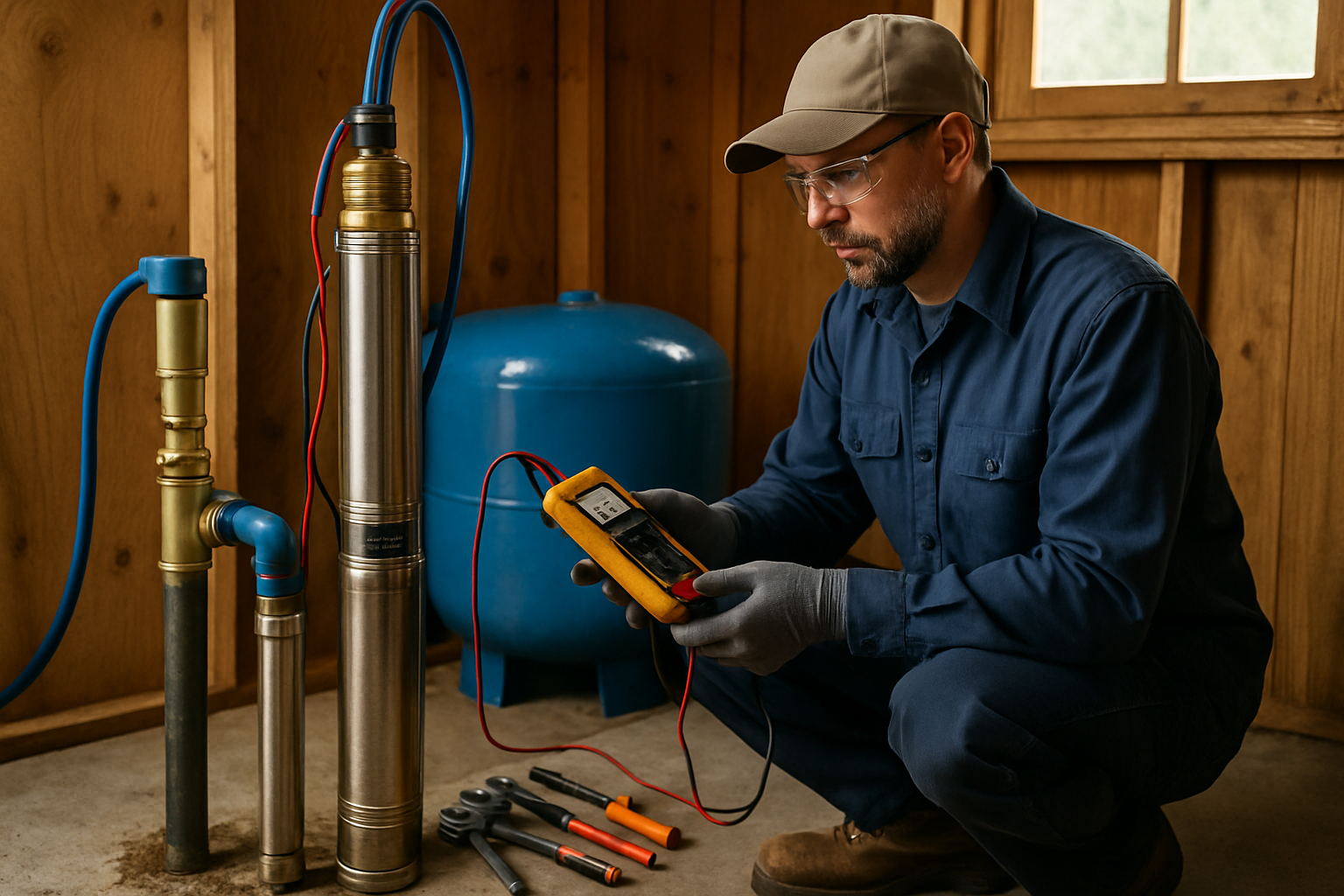
Low voltage can cause pump problems. If you have a multimeter, check the voltage at the pressure switch. It should be within 10% of the rated voltage (about 207-253V for a 230V system).
Inspect the Pressure Switch
Look for burned or pitted contacts, corrosion, or insect nests inside the switch. Clean contacts with fine sandpaper if needed, or replace the switch if it's badly damaged.
Test the Capacitors
Failed capacitors are a common cause of pump problems. A professional can test these or you can visually inspect for bulging, leaking, or burn marks.
Check for Bound Pump
A pump that's mechanically stuck will trip on overcurrent protection. This requires professional intervention and may indicate pump failure.
Preventive Measures
Reduce the frequency of pump resets with these preventive steps:
- Install a surge protector: Protect your pump electronics from power surges with a whole-house or dedicated pump surge protector
- Maintain proper pressure settings: Ensure your pressure switch settings are appropriate for your system
- Fix leaks promptly: Leaks cause continuous pump cycling, leading to overheating and trips
- Ensure adequate water supply: If your well recovery is slow, consider a flow restrictor or low-water cutoff
- Keep the control box cool: Ensure adequate ventilation around the control box
- Schedule annual inspections: Professional maintenance catches problems before they cause shutdowns
Understanding Your Pump's Signals
Pay attention to warning signs before a complete shutdown:
- Frequent cycling: Pump turning on and off rapidly indicates pressure issues or leaks
- Reduced pressure: Gradually declining pressure suggests pump wear or well issues
- Increased electric bills: Could indicate a pump working harder than it should
- Strange noises: Humming without running, clicking, or grinding sounds warrant attention
- Breakers tripping occasionally: Early warning of developing electrical problems
When to Call a Professional
While basic resets are DIY-friendly, some situations require professional expertise:
- The pump trips immediately after every reset
- You see or smell electrical burning
- The breaker feels hot or shows discoloration
- Water has entered electrical components
- You're unsure which component to reset
- The pump runs but produces no water
- Voltage readings are abnormal
- The pump has been running dry
Attempting to repair electrical problems without proper knowledge and tools can be dangerous and may void warranties or insurance coverage.
Keeping Records
Maintain a log of pump resets and issues. Record:
- Date and time of the problem
- Weather conditions (storms, extreme heat, etc.)
- What you observed (no water, breaker tripped, etc.)
- What you did to resolve it
- How long before normal operation resumed
This information is valuable for professional technicians and helps identify patterns that might indicate developing problems.
Conclusion
Knowing how to reset your well pump is an essential skill for rural homeowners. Most resets are straightforward—locating the appropriate reset button or lever and following simple procedures can get your water flowing again in minutes. However, always prioritize safety, investigate repeated trips, and don't hesitate to call a professional when the problem exceeds basic troubleshooting.
Remember that a reset addresses the symptom, not necessarily the cause. If your pump requires frequent resets, there's an underlying issue that needs professional attention. Addressing problems early prevents costly failures and ensures reliable water service for your home.
Need help with your well pump? Southern California Well Service provides expert diagnosis and repair for all types of well systems. Call us at (760) 440-8520 or visit www.scwellservice.com for prompt, professional service.